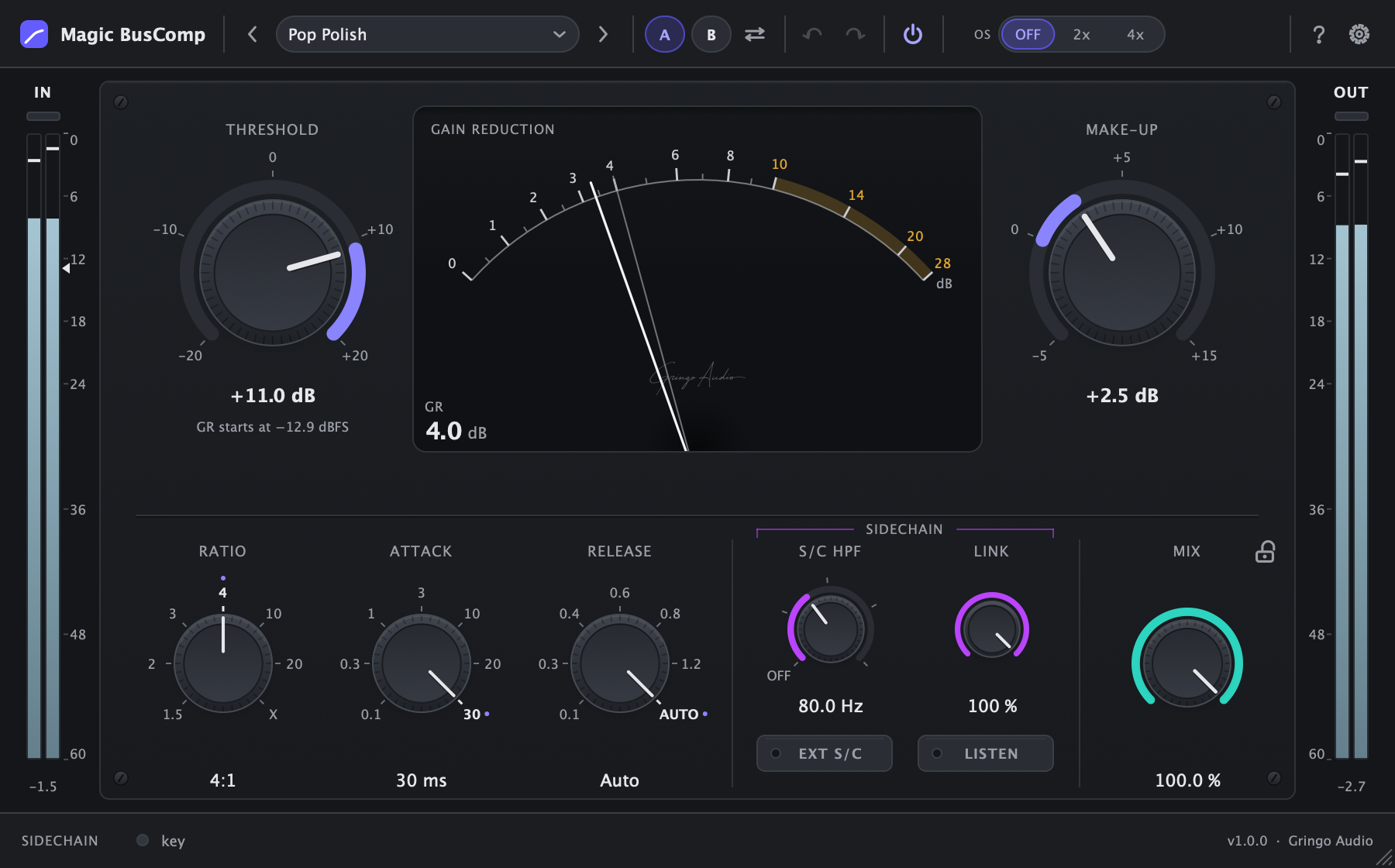
A classic VCA-style bus compressor, modelled on the classic British console bus compressor and measured against the reference. The same controls, the same stepped values, the same needle. No trial and nothing locked: one e-mail and the serial is yours.
macOS · VST3 & AU · Apple silicon & Intel · Windows & AAX coming soon
median GR error vs the reference
0.06 dB
factory presets
25
latency by default
0 ms
to download and use
$0
Why it's different
The sound you know. The workflow you wanted.
Measured, not guessed
The original's curves and ballistics, measured one by one.
The detector, the static curve of every ratio, the attack and the release come from black-box measurements of the classic British console bus compressor. The numbers you already use carry over 1:1: same units, same stepped values, same threshold calibration.
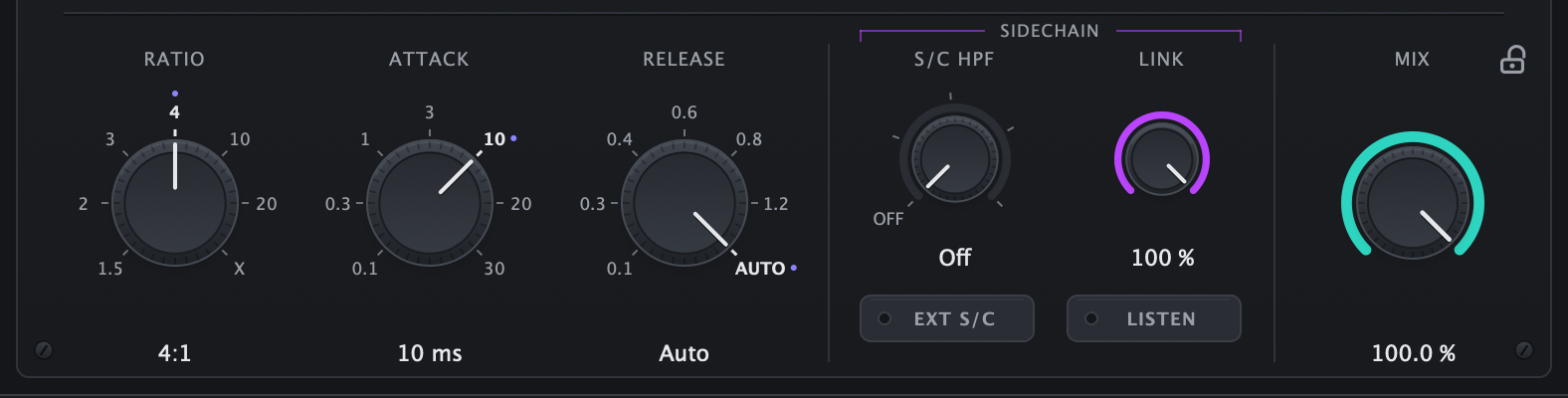
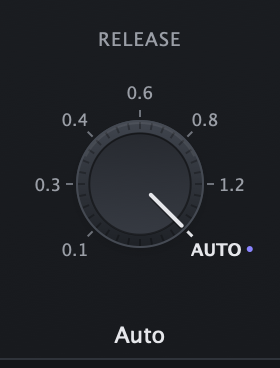
Ratio from 1.5:1 to 20:1 and X, stepped attack and release
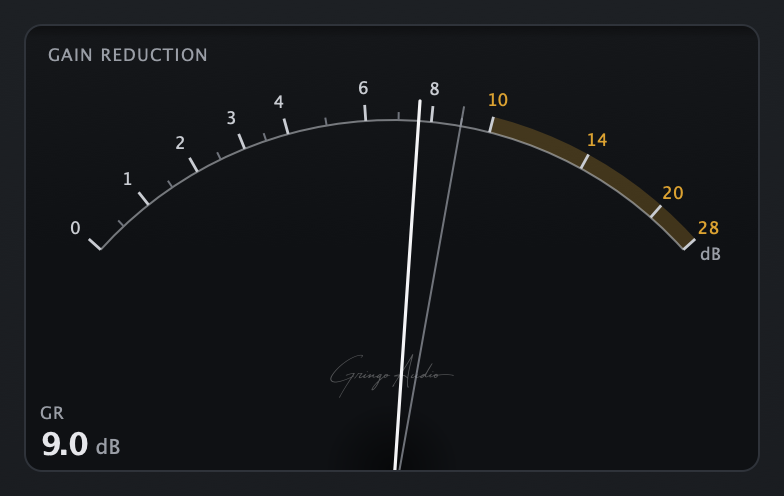
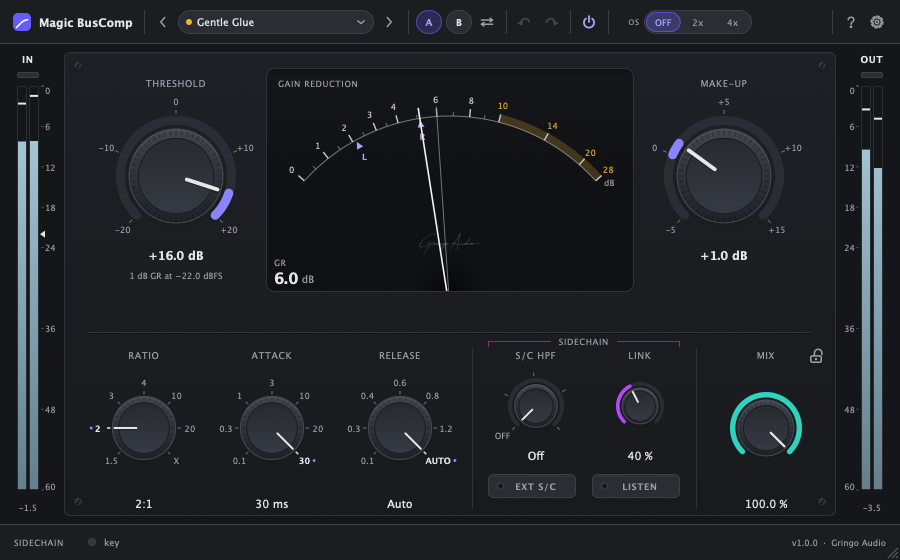
A needle with VU ballistics, a peak ghost and a readout
Clean: no hidden saturation, bit-exact until it compresses
median gain-reduction error0.06 dB68 of 68 programme cases within tolerance, measured against the reference
Auto release and parallel mix
Glue without pumping. Weight without losing the punch.
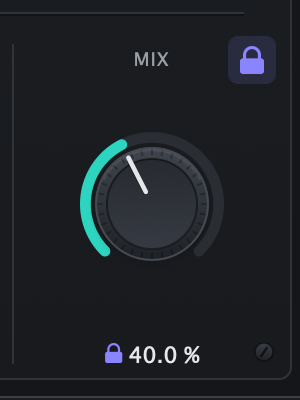
Auto release is programme-dependent: short peaks let go fast and loud, sustained passages stay steady instead of pumping. MIX does parallel compression inside the plugin with a latency-aligned dry path, and the Mix Lock padlock holds your blend while you browse presets.
Auto release: the default, and the right call most of the time
MIX from 0 to 100 % with no combing, even with oversampling
Mix Lock: presets and A/B leave your blend alone
A complete sidechain
The low end stops pushing the mix around.
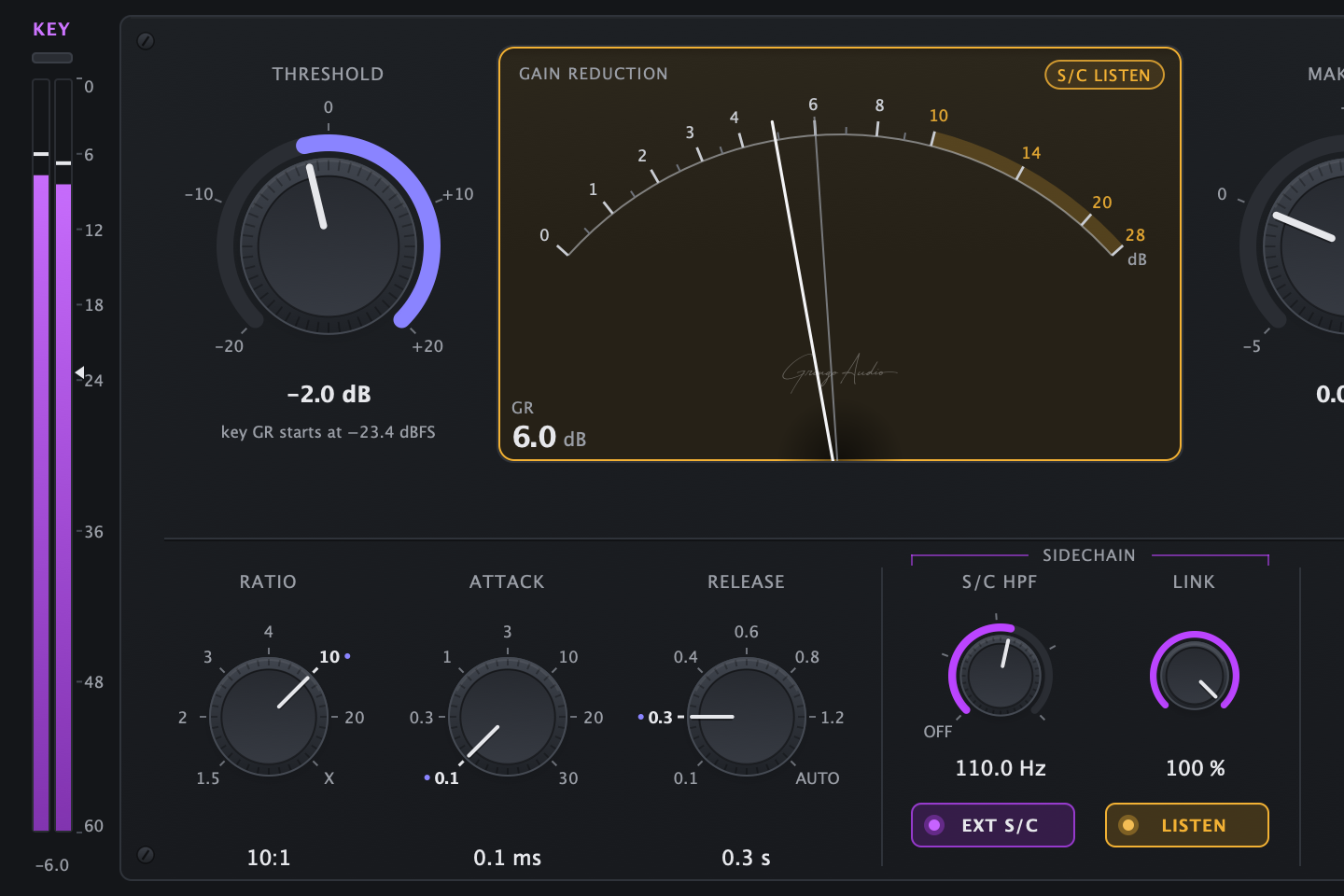
The S/C HPF filters the detector only, never the audio, so the kick and the bass stop driving the compressor. With EXT S/C any track becomes the key, like the kick in a classic duck. LISTEN plays exactly what the detector hears, and LINK goes from fully linked stereo to dual mono.
S/C HPF from 20 to 185 Hz, 12 dB per octave, detector only
Mono or stereo external key, with a NO KEY warning
LISTEN to hear the detector, LINK from 0 to 100 %
How it works
Three moves and the mix is glued.
1
Insert it on the mix bus or a group
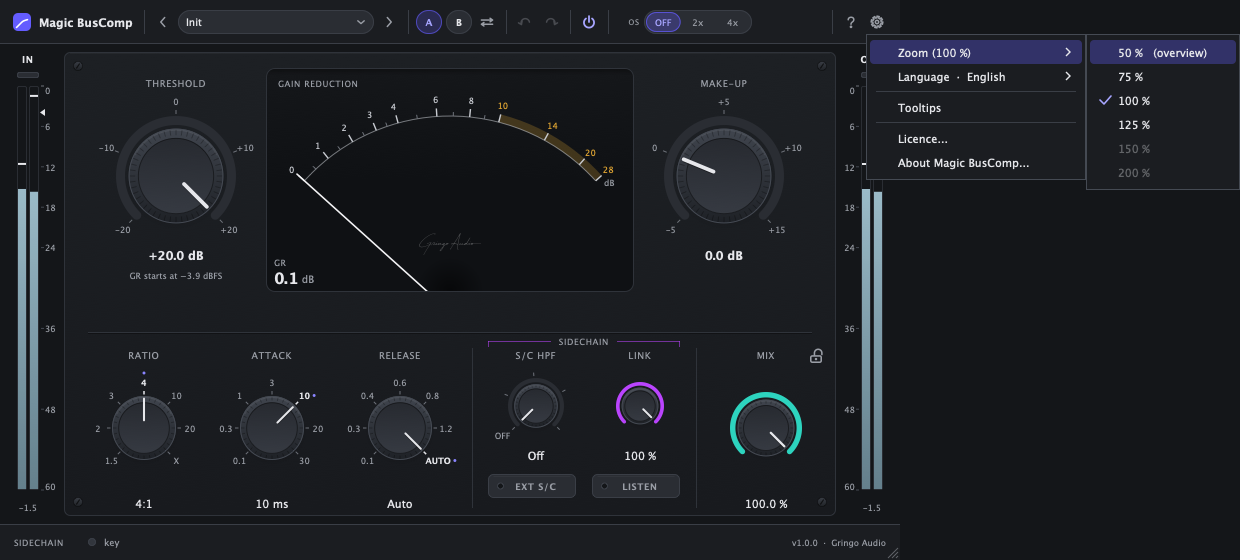
At the defaults it does nothing yet: only peaks above −3.9 dBFS would be touched. Inserting it on a normal bus changes nothing.
2
Turn THRESHOLD down
Play the loudest part of the song and lower it until the needle swings 2 to 3 dB. The line under the knob shows, in dBFS, where compression starts.
3
Match it with MAKE-UP
Roughly by the amount the needle shows. Want more weight without losing the punch? Compress harder and pull MIX down to 30 to 50 %.
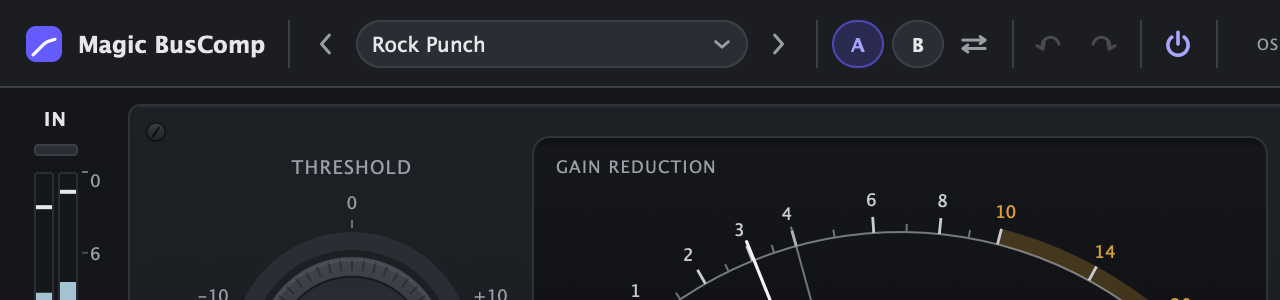
The needle follows VU ballistics. The thin line is the peak ghost: the most gain reduction of the last 1.5 s.
Everything inside
It's free, and it's not a demo.
Auto release
Programme-dependent: short peaks let go fast, loud passages stay steady. It's the default for a reason.
Parallel mix and Mix Lock
Built-in, latency-aligned parallel compression. The padlock holds MIX while you browse presets.
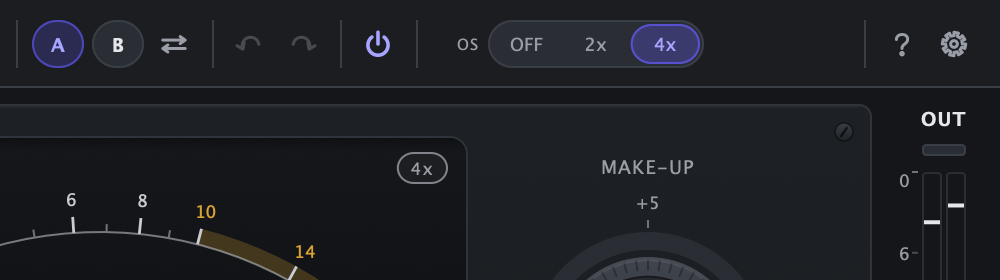
Oversampling Off, 2x and 4x
Off means zero latency. 2x and 4x use linear-phase filters with a fixed latency your DAW compensates.
A/B, undo and redo
Two snapshots with copy between them, and 100 undo steps, one per gesture.
25 factory presets
Mix bus, mastering, drums, vocals, instruments and sidechain. Each one says how much GR the needle should show.
Stereo link from 0 to 100 %
At 100 % both channels share one gain, as on the original. Below that, L and R triangles show each side.
Real metering
A needle with a peak ghost and a GR readout, plus input (or KEY) and output meters with clip LEDs.
50 to 200 %, English or Portuguese
Resize from the corner. Menus, tooltips and the licence screen in English or Portuguese.
25 presets
Starting points that tell you where the needle should sit.
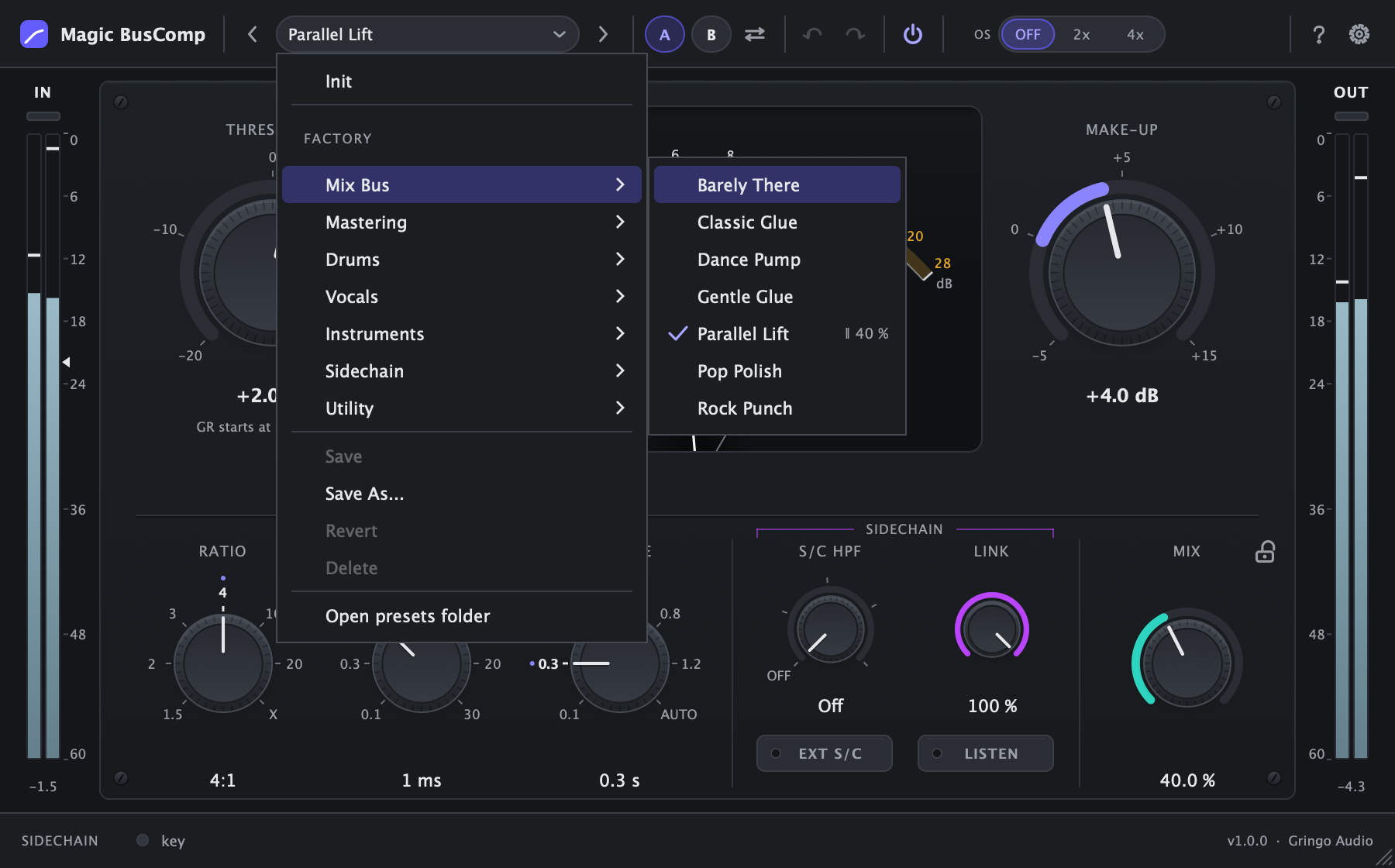
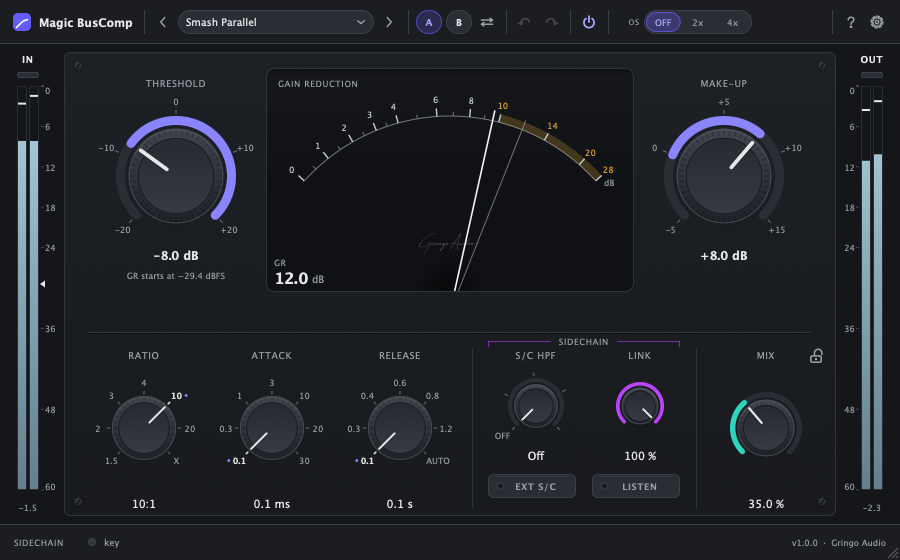
Init plus 24 presets in 7 categories. Load one, play the loudest part of the song and set THRESHOLD until the needle does what the preset's description says.
Initthe default state: changes nothing on a normal bus
∥ = parallel blend saved in the preset · KEY = uses an external sidechain
Mix bus7
Gentle Glue
Classic Glue
Pop Polish
Rock Punch
Dance Pump
Barely There
Parallel Lift∥ 40 %
Mastering3
Master Touch
Master Catch
Transparent Leveler
Drums6
Bus Glue
Smash Parallel∥ 35 %
Snap
Room Breathe
Punch Keeper
Overheads Tame
Vocals2
Group Ride
Backing Glue
Instruments4
Bass Even
Guitar Wall
Keys & Synth Smooth
Strings & Pads Swell
Sidechain1
Kick Pump (Key)KEY
Utility1
FX Return Tame
Free
Your serial in a minute.
Magic BusComp is free, with no trial and nothing locked. The serial activates the plugin and creates your Gringo Audio account, where the installer, the manual and the updates live.
1Type your e-mail
2Paste the 6-digit code that arrives
3Grab the serial and download the installer
Rather do it all inside your DAW? Open Magic BusComp: it asks for your e-mail, sends the code and activates itself.
FAQ
Before you ask
Is it really free?
Yes. No trial, nothing locked, no watermark and no reminders once activated.
If it's free, why does it need a serial?
The serial activates the plugin and creates your Gringo Audio account, where the installer, the manual and the updates live. Each serial activates up to 3 computers.
What do you do with my e-mail?
We send the code, the serial and your account notices. In return for the free plugin we also send mixing tips, news and offers from Gringo Audio under the Usage & Marketing Policy; unsubscribe from the link in any e-mail. In the European Union, the European Economic Area and the United Kingdom, marketing e-mails are optional.
Does it sound like the classic console compressor?
It was modelled from black-box measurements of the classic British console bus compressor: the detector, every ratio's curve, the attack and the release. Compared with the reference over 68 programme cases (mixes, drums, sweeps, sidechain and real audio), the median gain-reduction error is 0.06 dB and every case is within tolerance. Units, stepped values and threshold calibration are the same, so the numbers you already use carry over.
Why isn't the threshold in dBFS?
It follows the console's own calibration, so the numbers you know mean the same thing. To save you the maths, the line under the knob shows in dBFS where compression starts at the current ratio, and a triangle marks the same level on the input meter.
Does it colour the sound?
No. Like the original it is clean: no saturation and no output clipper. Harmonics only appear when the gain moves fast, at short attacks and releases, and that is part of the sound.
Do I need the internet to use it?
Only once, to activate. After that it runs 14 days offline before it checks again. Before activation the audio passes through unprocessed, but it's never muted.
Which DAWs does it work in?
Any 64-bit DAW that loads VST3 or AU on a Mac, such as Logic Pro, Ableton Live, Cubase, Studio One, Reaper and FL Studio. Pro Tools needs the AAX version, which is coming soon, as is the Windows version.
Does it add latency?
With oversampling off, the default, none. 2x adds 49 samples and 4x adds 60, at every sample rate, reported to your DAW, which compensates on its own.
System requirements
macOS
macOS 10.13 High Sierra or later
Apple silicon and Intel (universal binary)
Any 64-bit VST3 or AU host
Windows
Coming soon
Windows 10 64-bit or later, VST3
Formats
VST3: Mac
Audio Unit: Mac
AAX (Pro Tools): coming soon
Magic BusComp by Gringo Audio, a Chrys Gringo project.