Insert it. Set the singer. Pick a preset.The vocal is done.
Magic Vocals Pro is the whole vocal chain in one plugin: tuning, compression, de-esser, tone, doubles, delay, reverb and output. Instead of a dozen heavy plugins you are never quite sure you are using right.
Lifetime license · Mac and Windows · VST3, AU and AAX
A raw pop vocal, one preset, seconds. Without the twelve plugins that were on the track before.
Listen before you read the rest.
Four real stems. Press play and flip between the raw voice and the voice through the plugin.
Examples processed with the Magic Vocals chain. The Pro has the same modules, more control in each one and the new presets.
A dozen plugins. Or one.
To make a vocal sound finished, the track usually carries this. Each one costs CPU, each one asks for a decision, and none of them tells you when the order is wrong.
- 01Gate
- 02Cleanup EQ
- 03De-esser
- 04Compressor 1
- 05Compressor 2
- 06Saturation
- 07Exciter
- 08Tone EQ
- 09Doubler
- 10Delay
- 11Reverb
- 12Limiter
- 01Magic Vocals Pro
The order is already right
The fourteen modules sit in the sequence the sound travels. You do not build a chain, you adjust one.
The preset only changes the style
Tuning, compression and sibilance belong to the singer and stay where you left them. Change the preset, the voice stays right.
Every module shows what it does
Open the page, see the curve and the meter, adjust by ear. No guessing.
This is the plugin. Not a drawing of it.
The interface below is the same one that opens in your DAW, running in the browser. Move the faders, open the pages, change presets and save your own. There is no sound: the audio engine lives in the plugin.
Fourteen strips, from the singer's setup to the output.
Left to right, in the order the sound travels. Each one opens on a page with the fine controls, meters and a drawing of what is happening.
- VOICE
Male or female: the modules follow the register.
- INPUT
Input gain, with NOISE and HUM to clean the room.
- PITCH
Natural tuning: detected key, per-note rules. ULTRA TUNE for trap and rap.
- POWER
OPTO and FET in series. SAMPLE listens to 10 seconds of the voice and sets itself. BREATH CONTROL before the stages.
- DE-ESS
Takes the hiss out of the esses. SAMPLE finds that singer's sibilance.
- FOCUS
Presence and air: a bell and an exciter that bring the voice forward.
- FAT
Body under the voice. DENSITY holds the note that blooms.
- HEAT
Saturation at matched volume: Warm, Dense or Hot.
- DOUBLER
Up to seven voices, like a recorded double. Mono-safe.
- DELAY
In time with the song or in milliseconds. The echoes never pile up.
- SPACE
Reverb with 24 rooms, plates and halls captured for the voice.
- CLARITY
Clears the mud out of the low mids.
- MASTER EQ
Six bands that react to the voice, with a live analyzer and a latching SOLO.
- MASTER
A transparent limiter at the end: it only acts above the ceiling, never adds level. AUTO compares at the same loudness.
86 presets in 13 categories, with male and female versions. Time-aligned A/B. GUIDE ME on every page. Manual in English and Portuguese.
BREATH CONTROL: the breath comes down before the compressor lifts it.
A compressor lifts everything under the threshold, and the breath between words is the first thing it pulls up. Two stages in series pull twice. BREATH CONTROL hears the breath and turns it down before the stages hear it.
- Breaths only: a sung note is never touched, however quiet.
- Up to 36 dB of reduction, as a fade, never a cut.
- Zero latency. Works even while you track.
Part of the singer's setup: no preset touches it.
What landed in this build.
- A style is the whole module: the three words under each fader are three sounds, not three amounts.
- BYPASS on every page, to compare with and without while you adjust.
- FOCUS gained an air exciter and a bell that only lifts the phrases that drop back.
- FAT gained DENSITY: the note that booms does not take over.
- Dynamic MASTER EQ, with a latching SOLO and a live analyzer.
- A transparent safety limiter: no hidden level.
- FaderPort 16 and other surfaces follow the screen: 16 faders, 16 switches.
- A complete manual in English and Portuguese.
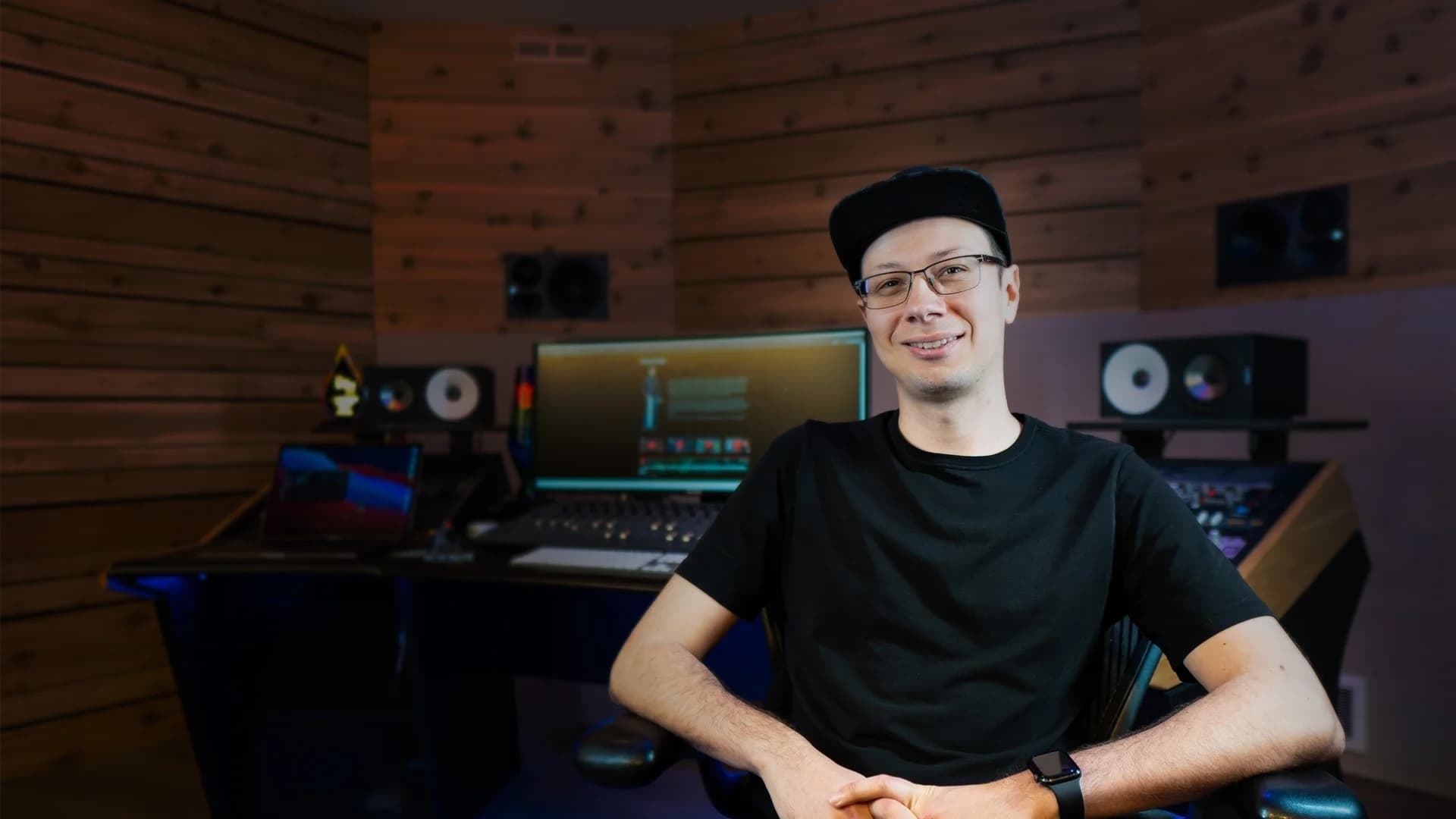
Built by Chrys Gringo.From Magic Vocals to the whole vocal chain.
Music producer, educator, plugin developer and Full Sail University ambassador, trusted by 290k+ creators learning to make better music in home studios.
Magic Vocals was made to go with the course, with four numbered zones that teach the order of things. The Pro is the next step: the same way of thinking about a voice, with every stage open for you to decide and a page that shows what each module is doing.
Magic Vocals Pro
Buy once. Install on Mac and Windows. Every new version lands in your account.
- The complete plugin: fourteen modules, 86 presets, 24 rooms
- Mac (AU, VST3, AAX) and Windows (VST3, AAX)
- Updates and new versions in your account
- Manual in English and Portuguese, GUIDE ME on every page
- Email support
Version 0.12b, beta · Already bought? Download the latest version in your account
Before you ask
Do I need to know how to mix?
No. Start from a preset, press SAMPLE on POWER and DE-ESS so it listens to the singer, and adjust by ear. Every page explains what it does, and GUIDE ME walks you through it.
Will it replace my whole vocal chain?
For most voices, yes: tuning, compression, de-esser, tone, doubles, echoes, space and output are in the same plugin, in that order. If you have a favourite plugin for one stage, switch the matching module off.
Does inserting the plugin clip the output?
No. MASTER has a transparent limiter at the end of the chain: it only acts above the ceiling you choose and never adds level on its own. And AUTO compares at the same loudness, so you judge the sound, not the level.
Is that the real plugin up there?
It is the real interface, the same one that opens in your DAW, running in the browser without the audio engine. The audio examples on the page are real stems.
Can I use PITCH while recording?
PITCH is made for mixing, on the recorded track. It was not designed to monitor the voice while you sing.
How is it different from Magic Vocals?
Magic Vocals is the one-click vocal, with macros. The Pro is a complete vocal chain: every module opens on its own page, with controls, meters and explanations. Magic Vocals owners upgrade for $13.99.
Which DAWs does it work in?
Any DAW that opens AU, VST3 or AAX. It is developed and checked in Logic Pro, Pro Tools, Ableton Live, Cubase, Nuendo, Studio One, Reaper and FL Studio. The window resizes from 50% to 200%.
How do I get updates?
Every new version shows up in your Gringo Audio account, with the Mac and Windows installers and your license, the same one for every version.
Can I get a refund?
Within 14 days, no questions asked. Write to support and it is done.
System requirements
macOS
- macOS 10.13 High Sierra or later
- Apple Silicon and Intel (universal binary)
- Signed .pkg installer
Windows
- Windows 10 64-bit or later
- Microsoft Edge WebView2 Runtime — included in the installer
- Signed .exe installer
Formats
- VST3 — Mac and Windows
- Audio Unit — Mac
- AAX — Pro Tools, Mac and Windows
Magic Vocals Pro by Gringo Audio, a Chrys Gringo project. Current version 0.12b (beta).